

Every filter a shopper clicks can create a new URL, giving search engines another page to crawl. However, most filtered combinations offer little value in search results. Good ecommerce filter SEO means identifying the combinations worth indexing and controlling the rest.
Left alone, one shoe category with a few filters can produce more URLs than your catalog has products. That’s why Octillion Corp checks how stores generate filtered URLs early in an SEO review.
This guide explains how filter combinations multiply and how they affect crawling and indexing. You’ll also learn which filtered categories deserve search visibility and how to control the rest.
How Do a Few Filters Multiply One Store Category Into Hundreds of URLs?
Each filter adds a parameter to the URL, and every combination can create another address. When shoppers combine several filter options, one category page can generate hundreds of URLs. This usually happens in the following four ways.
1. Color Times Size Times Price: The Combination Math
Picture a T-shirt category with eight colors, six sizes, and five price bands. If shoppers select one value from each filter, those choices create 240 possible combinations.
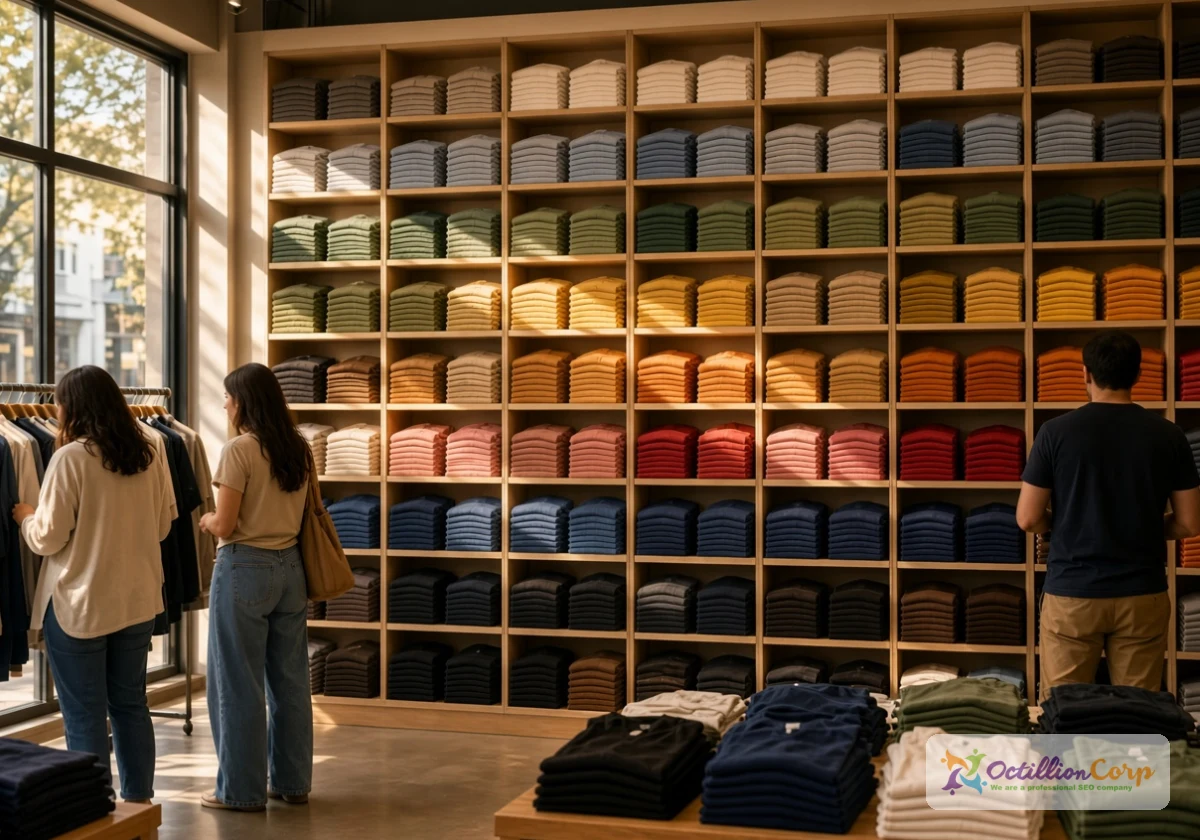
The count grows further when shoppers can select several values within one filter. For example, choosing red and blue together creates another selection that a red-only filter doesn’t cover.
So before adding another filter, calculate how many combinations your existing options can generate. That estimate shows how many URLs your store could expose to search engines.
2. The Same Products Under Dozens of Addresses
Some filter combinations show identical products, even when their URLs differ. For example, a “black, medium” page and a “medium, black” page might list the same shirts under separate URLs.
Google then decides which version, if any, deserves to appear in search results. If your canonical signals are inconsistent, Google may select a different URL from the one you prefer.
To find possible product filter duplicate URLs, search for your domain alongside a filter parameter. For example, try site:yourstore.com inurl:color. Several similar results suggest that Google has discovered multiple filtered versions.
3. Why Does Sort Order Count as a New Page?
Sorting can change the URL by adding a parameter such as ?sort=price_asc. Although the products remain the same, Google can discover and crawl the new URL as another page.
Each sort option can multiply the filtered URLs further. For instance, four sorting options across 240 filter combinations could expose another 960 URL variations. Shoppers rarely search for product listings sorted by newest or cheapest, so these parameters are often good candidates for crawl restrictions.
4. Filter Pages That Return Zero Results Still Get Crawled
Filter combinations with no matching products can still generate crawlable URLs. A selection such as “purple, XXL, under $10” might display nothing but a “no products found” message.
If an empty combination returns a normal 200 status instead of a proper 404, Google may treat it as a soft 404. These pages also frustrate shoppers who expect products to appear after selecting filters.
Where your platform allows it, hide filter options that would return no products. If shoppers can still create empty combinations, ask your developer to return a genuine 404 response for those URLs.
Crawl Budget, Duplicate Content, and Diluted Rankings: What Loose Filter Pages Do to an eCommerce Site
Googlebot can spend time crawling both empty and populated filter URLs. Crawl budget refers to the URLs Google can and wants to crawl on your site.
For smaller stores, however, managing crawl budget usually isn’t a priority unless filtering creates a substantial number of unnecessary URLs.
Faceted navigation can create a substantial number of URLs for crawlers to process. In February 2026, Search Engine Roundtable reported that Google’s Gary Illyes and Martin Splitt identified faceted navigation as 50% of the crawling challenges discussed in their 2025 year-end review.
Duplicate filter pages can also complicate Google’s choice of which URL to show for a search. When we audit stores with heavy filtering, we sometimes find a filtered page appearing instead of its main category.
This can create a keyword cannibalization problem. If a category’s traffic has dipped for no clear reason, this is one of the first places worth checking.
Your own data usually shows the damage before rankings do. Check for these signs:
- Slow Indexing: Important new products take longer than expected to appear in Google.
- Swapped Rankings: Filtered pages appear in search results instead of their main category pages.
- Repeated Bot Visits: Server logs show Googlebot frequently requesting parameter-based URLs.
- Unexpected URL Growth: Search Console shows many discovered or indexed filter variations.
- Crawl Spikes: Googlebot activity increases after a new filter system goes live.
If several of these signs appear together, review how your filters generate and expose URLs. Start with the combinations that offer no search value, then protect the category pages shoppers actually use.

Deciding Which Faceted Pages Deserve a Spot in Google’s Index
Indexation rules start with knowing which pages to keep. This is because some faceted ecommerce pages can attract useful search traffic when shoppers actively search for that product combination. The decision depends on search demand, product availability, and whether the page offers enough unique value.
| Filter page type | Example | Search demand | What to do |
|---|---|---|---|
| Single brand or key attribute | /shoes/nike | Potentially strong | Create a useful landing page with a unique title and relevant content |
| Popular two-filter combo | /dresses/black-maxi | Check keyword data | Consider indexing if demand and product availability support it |
| Three or more filters | ?color=red&size=m&price=20-30 | Often limited | Use noindex or a suitable canonical, depending on content similarity |
| Sort and view options | ?sort=price_asc | Usually limited | Restrict crawling if these URLs offer no search value |
| Zero-result combos | ?color=purple&size=xxl | None | Remove unnecessary links and return a genuine 404 |
The two-filter combinations deserve a closer look when they match specific shopping searches. Check keyword demand for your strongest combinations, then create dedicated landing pages for those with enough products and useful search intent. These pages can also improve product discovery by giving shoppers a direct route to relevant collections.
Filter Page Indexation Controls: Canonicals, Noindex, Robots.txt, and Parameter Order
Every filtered URL needs a control that matches your indexation goal. A canonical tag, noindex directive, and robots.txt rule serve different purposes, so choosing the wrong combination can leave Google with conflicting or incomplete signals.

For example, Googlebot can’t read a noindex tag on a URL that robots.txt blocks from crawling. Work through the five steps below to handle filter page indexation in a sensible order.
Canonical Tags Identify the Preferred Version of Similar Pages
Canonical tags sit in the page head and identify the preferred URL among duplicate or similar pages. If a filtered page adds no meaningful search value and closely matches its parent category, its canonical can point to that category.
Google treats canonical tags as signals, so it may select another URL when the pages differ substantially. Use canonicals for genuinely similar pages, then check Google’s selected version in Search Console. If Google chooses another URL, review the content and canonical signals before deciding if noindex is appropriate.
Noindex for Pages That Can Exist but Shouldn’t Rank
A noindex meta tag keeps a filtered page available to shoppers while asking Google to exclude it from search results. This suits useful browsing pages that offer little value as separate search landing pages.
Google must still crawl the page to read its noindex tag, so this approach doesn’t prevent crawling. Keep product links accessible so shoppers and crawlers can still reach the individual product pages.
Robots.txt Rules That Stop Crawling Before It Starts
Googlebot follows the restrictions set in your robots.txt file, skipping any URLs covered by a matching rule. This works well for filter and sorting parameters that search engines don’t need to crawl. Google’s guidance on faceted navigation says it plainly: “Use robots.txt to disallow crawling of faceted navigation URLs.”
Writing Disallow: /*?*sort= blocks every sort variation in one line, but one loose wildcard can block whole category pages. Test each pattern against real URLs from your store before publishing, and keep a list of pages that must stay crawlable.
Fixing Parameter Order So One Combination Means One URL
Different parameter orders can create separate URLs for the same filter selection. For example, ?color=black&size=m and ?size=m&color=black can return identical products under different addresses. Many platforms add parameters in the order shoppers click, which doubles up even simple pairs.
Ask your developer to generate filter URLs in a consistent parameter order. Removing empty values and repeated parameters at the same time also prevents unnecessary URL variations.
Try selecting the same filters in different orders and compare the resulting URLs. Each selection should resolve to one consistent URL, rather than creating another version of the same product list.
Checking Search Console for Pages Google Found on Its Own
Google can discover filter URLs through old sitemaps, external links, and links generated by JavaScript. Search Console may report duplicate variations under statuses such as “Duplicate without user-selected canonical.”
In our experience, many of these come from old filter names a theme change left behind. Export the list monthly, group URLs by parameter, and give any parameter that keeps coming back one of the controls above. Start with those repeat offenders, since Google is clearly still choosing to crawl them.
Where to Start With Ecommerce Filter SEO This Week
Filter URLs are mostly pages Google doesn’t need, and leaving them open costs crawl time and rankings your main categories should keep. Index the few combinations people search for and control everything else.
Start this week by listing the filters on your largest product category. Calculate the possible combinations, then identify sorting and filtering URLs that offer no search value. Check how your platform generates those URLs before choosing robots.txt rules or other controls.
Ready to review your store’s filters? Contact Octillion Corp for help identifying unnecessary URLs and improving your ecommerce filter SEO.